
Adding Source IPs
Adding source IPs or a range of IP addresses, grants access to users within that range.
To add a a source IP or IP range, complete the following steps:
-
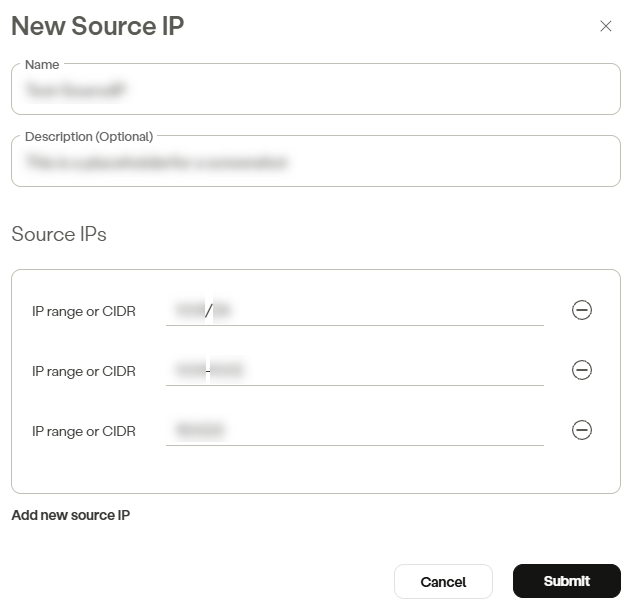
In the management console, go to Policy -> Source IPs -> New Source IP.
-
Enter a source IP name.
-
(Optional) Add a description.
-
In the Source IPs section, enter an IP range or CIDR.
-
Click Add new source IP to add additional IP ranges or CIDR, as necessary.
-
Click Submit.
NoteTo commit your changes, navigate to the top-right menu, click Apply Changes, then select Commit Changes.
There is a limit of 1000 objects per IP Range.
Updated 6 months ago
Did this page help you?